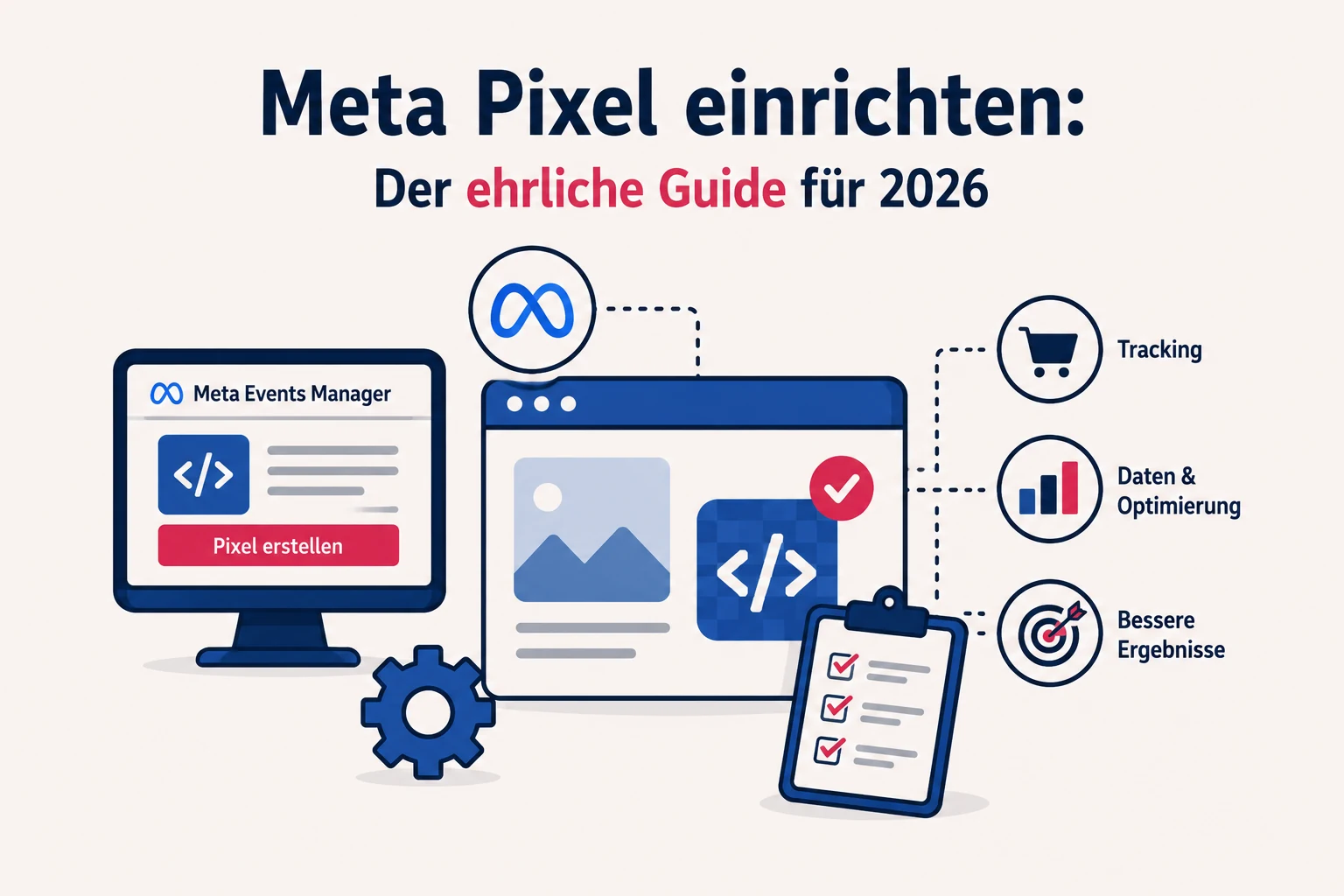
You run ads, you spend money — but you don't actually know what happens on your website afterwards? Then you're missing the Meta Pixel. It's the small piece of tech that turns „I think the ads are working" into „I can say pretty precisely how effective they are". Without it, even the best algorithm optimises into the void — and you pay for clicks without knowing whether they turn into purchases or enquiries.
The good news: the pixel is free and quick to set up once you know how. The honest news: on its own it's no longer enough in 2026 — and without a clean consent setup it isn't even allowed to fire. I'll explain both here, without the tech jargon.
What is the Meta Pixel, exactly?
The Meta Pixel (formerly the „Facebook Pixel") is a small snippet of code you add to your website. It remembers what visitors do: viewed a page, added a product to the cart, submitted a form, bought. It reports these events back to Meta.
Sounds unspectacular, but it's the foundation for everything: only through it does Meta know which ad delivered not just clicks but real results. By the way, Meta now officially treats the pixel as part of a „dataset" — same thing, new name.
Why you really need it
There are three things Meta can't do without the pixel — and all three cost you money:
- Optimisation. The algorithm learns from pixel data who to show your ad to. Without that feedback it optimises for clicks at best, not for purchases or enquiries.
- Measurement. You can see in black and white what an ad cost and what it brought in — the basis for any honest ROAS calculation.
- Audiences. From pixel data you later build the right audiences: re-engage website visitors (retargeting) or find people who resemble your best customers (lookalikes).
In short: the pixel isn't a „nice to have", it's the precondition for steering advertising cleanly at all.
How to set up the pixel — step by step
- 1. Create a dataset/pixel in Meta Events Manager (business.facebook.com → Events Manager → „Add data source"). You get a pixel ID — a long number that later sits in the code.
- 2. Add the code — there are three ways (plugin, Google Tag Manager or manual). Which one suits you is in the next section.
- 3. Define events — not just „page view", but the ones that count: lead, purchase, add to cart, contact request.
- 4. Verify. Use the Chrome extension Meta Pixel Helper and the Test Events in Events Manager to check that everything really fires. This step gets skipped the most — and it comes back to bite you.
Plugin, Tag Manager or manual — which is better?
There isn't one right way, there's the right way for your setup. The three options, honestly compared:
| Approach | Pros | Cons |
|---|---|---|
| Plugin / integration (Shopify, WordPress) | Installed in minutes, often one click; standard events (purchase, add to cart) are set automatically; and — especially valuable — the Conversions API (CAPI) is often included out of the box, which is noticeably harder to set up manually. | Little control over the details; events sometimes fire twice or imprecisely; you depend on the plugin's updates. |
| Google Tag Manager | Clean, flexible, everything in one place; events can be added without a developer; wires up nicely with the consent banner. My favourite for most people. | You need to understand GTM once; misconfigured triggers fire too often or not at all; and you still have to set up the Conversions API separately here too. |
| Manual in the code | Full control, exactly the events and parameters you want; no dependency on plugins. | More effort; every change goes through the code; you have to set up the Conversions API separately, server-side; mistakes go unnoticed without checking. |
Rule of thumb: shop on Shopify or WordPress? Use the integration and save yourself the work. Custom website or landing page with forms and leads? Google Tag Manager. You need full control or have special cases? Then go manual.
Installing manually: base code vs. event code
If you add the pixel by hand, there's one distinction many people get wrong:
- The base code belongs in the <head> on every page of your website — ideally once, centrally in the template, so no page is forgotten. It loads the pixel and automatically fires the standard PageView event on every page load.
- The event code is added on top — but only on the page where the event actually happens. The „thanks for your enquiry" event on the confirmation page, the purchase event on the order-complete page, the add-to-cart event where something is added to the cart.
Put differently: base code everywhere, event code only where it belongs. If you accidentally drop the event code into the global head too, you report a „purchase" on every single page load — and the numbers are worthless.
The events that matter
Meta knows a set of fixed standard events that the algorithm understands and can optimise towards. The most important ones:
- PageView — page view (the base code fires this automatically).
- ViewContent — someone looks at a product or key page.
- AddToCart — something goes into the cart.
- InitiateCheckout — the checkout starts.
- Lead — an enquiry, newsletter sign-up or completed form.
- Purchase — the purchase is complete.
Not every business sells online: if you're after enquiries rather than purchases, your key events are Lead, CompleteRegistration and Contact — same logic, just without a cart.
Anything your standard-event repertoire doesn't cover, you map as a custom event. The only thing that matters: name them cleanly and consistently — otherwise no one will know later what was counted.
Pixel parameters: the data behind the event
An event says that something happened. The parameters say what exactly. A „Purchase" without parameters is just a tally mark — a „Purchase" with value and currency tells Meta that something was bought for €240. That's the difference between „counts purchases" and „optimises for revenue".
The parameters that pay off most:
| Parameter | What it holds | What Meta uses it for |
|---|---|---|
| value | The value of the event, e.g. the revenue of a purchase (240.00). | The basis for ROAS and for optimising on value rather than just count. |
| currency | The currency, e.g. EUR. Required as soon as you send value. | Without currency the value is meaningless — Meta can't tell euros from yen. |
| content_ids | The ID(s) of the products involved. | Feeds dynamic (catalogue) ads — re-showing the exact product someone viewed. |
| content_type | „product" or „product_group". | Tells the catalogue how to read the IDs. |
| content_name / content_category | Name and category of the content. | Readability in reports, basis for rules and segments. |
| num_items | Number of items in the event. | Basket size, averages. |
| order_id | The unique order number. | Stops the same purchase from being counted twice (see event ID). |
Rule of thumb: every value-based event needs value and currency. Leave them out and Meta optimises on pure count — ten tiny purchases then look just as good as one big one. For shops, content_ids and content_type are worth adding too, because that's what makes dynamic product ads work in the first place.
And for lead generation? A value pays off there too — an estimated lead value (or predicted_ltv) tells Meta that an enquiry from your target segment is worth more than just any. That way you optimise for good leads, not just many. content_ids and content_type, by contrast, stay a shop topic.
The event ID: why the pixel and the server don't count twice
This is where it gets important — and exactly where most setups go wrong. If you run the pixel and the Conversions API in parallel (as recommended in 2026), the same purchase — or the same form enquiry — gets reported twice: once by the browser pixel, once by your server via the API. Without a countermeasure Meta counts both — and your revenue shows up double.
The solution is the event ID (event_id). Both reports — browser and server — get the same unique ID plus the same event name for the same event. Meta then sees two reports with identical event_id and event_name within a time window, recognises „that's one and the same purchase" — and keeps only one. This merging is called deduplication.
How it works in practice:
- You generate a unique ID per event — often the order number (order_id) — or, for a lead, the ID of the enquiry — works well, otherwise a random ID.
- In the browser you pass it to the pixel as eventID, server-side to the Conversions API as event_id — exactly the same value.
- The event names must match (both „Purchase").
The _fbp and _fbc cookies help match events to a person, but the actual deduplication is done by the event ID. Whether it works is shown in Events Manager: you can see which events came „from the browser and the server" and were recognised as deduplicated. If the ID doesn't match, Meta counts twice — a mistake that silently distorts your entire ROAS.
The honest part: why the pixel alone is no longer enough in 2026
Pretty much everyone recommends this today — and I can only underline it. The classic pixel runs in the browser — and the browser is becoming an ever less reliable data source:
- iOS / Apple (App Tracking Transparency) cuts off many signals.
- Safari & ad blockers block pixel calls.
- Consent banners (rightly) prevent firing without consent.
In practice that quickly loses 20–30% of conversion data. The answer is the Conversions API (CAPI): your server sends the events directly to Meta — in parallel with the pixel and deduplicated via the event ID. The modern setup is therefore pixel + Conversions API together, not either/or. Anyone relying only on the browser pixel in 2026 is measuring with one eye shut.
And whether pixel or CAPI: both are only as good as the landing page they sit on — too slow, too shaky or without tracking cleanly built in, and the best signals fizzle out. More on this: Why the best ad dies on a bad landing page.
GDPR: the pixel may only fire with consent
Really important, especially in Germany: the Meta Pixel processes personal data. It may only load after the visitor has actively agreed (opt-in via your consent banner) — not before. Three things you should definitely keep in mind:
- Add it to your privacy policy. The use of the Meta Pixel (and the Conversions API) belongs transparently in your privacy policy — what is collected, for what purpose, on what legal basis.
- Check that the cookies really only fire after consent. Sit down with the Pixel Helper in front of your own consent banner and verify: nothing may fire before „Accept", everything after. This is exactly where many setups unknowingly cheat.
- Be careful with advanced matching, which sends additional — albeit hashed — data.
Note: I'm a Meta Ads specialist, not a legal advisor. What applies under data protection law to your specific case is something you should, if in doubt, clarify with someone qualified to do so. I'll tell you what to watch out for technically — the legal assessment belongs in expert hands.
The most common pixel mistakes
- No pixel at all — the classic: ads run, but nobody measures.
- Only „PageView", no real events — you see visits, but no conversions.
- Event code in the global head — then „Purchase" fires on every page and the numbers are junk.
- Values without parameters — purchases or leads without value: Meta can't optimise on revenue or lead quality.
- No or wrong event ID — pixel and CAPI count twice, the ROAS is flattered.
- Never verified — the pixel is in, but fires wrongly or not at all (the Pixel Helper shows it).
- Fires before consent — legally risky; or the other extreme: fully blocked, then all data is missing.

